Onyx. Real-Time Desktop AI Copilot
A cross-platform desktop copilot that sits above whatever you are doing, takes the current screen and the current system audio as one streaming request to a language model, and writes the answer back while the model is still producing it. Voice-activity detection runs on the machine itself.
- Built by
- Ideovent Technologies
- Engagement
- Ours. Nobody paid us to build it
- Sector
- Desktop app · Electron
- No live link
- There is no public address we can send you to for this one.
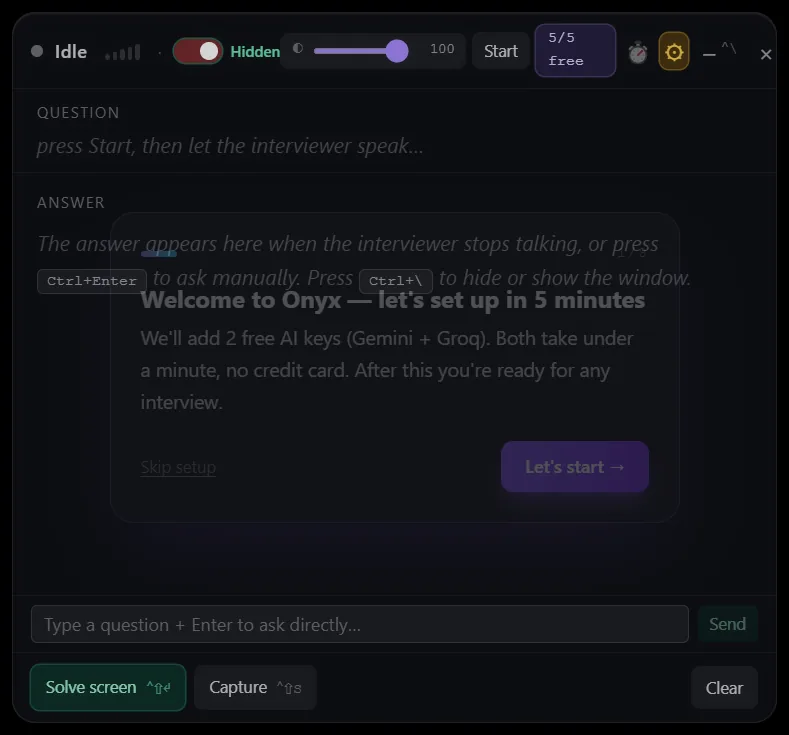
Onyx, captured on 24 September 2026.
Technologies
True, with nothing to measure
- It is ours, so nobody’s permission is needed to describe it.
- The licensing, payment and auto-update stack is in the same codebase as the application, not bolted on.
- Voice-activity detection runs on the device; no continuous audio stream leaves the machine to decide when to answer.
No download count, no user number and no response-time figure. Nothing has been measured, and an unmeasured performance claim is the easiest thing on a page to disprove.
What we set out to solve
Deliver context-aware answers over any live screen or call, keep all audio on the device for privacy, stay invisible to screen capture, and wrap it in a real commercial product across Windows, macOS and Linux.
How we delivered
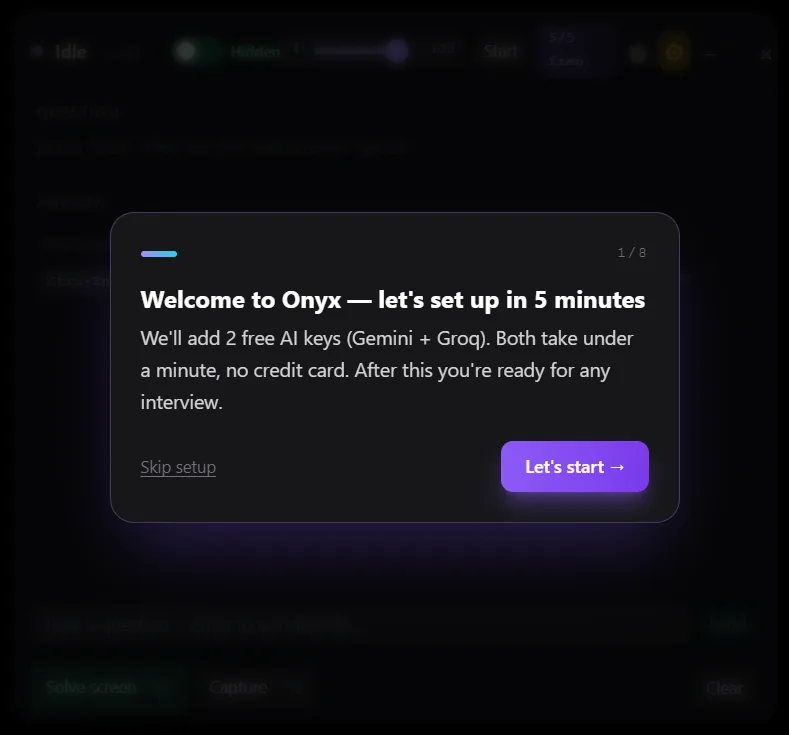
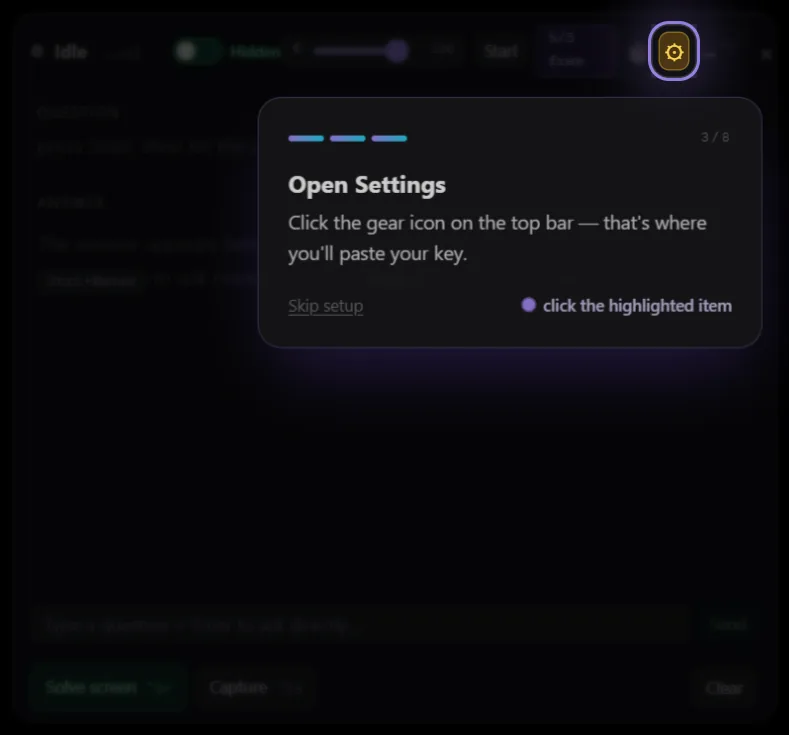
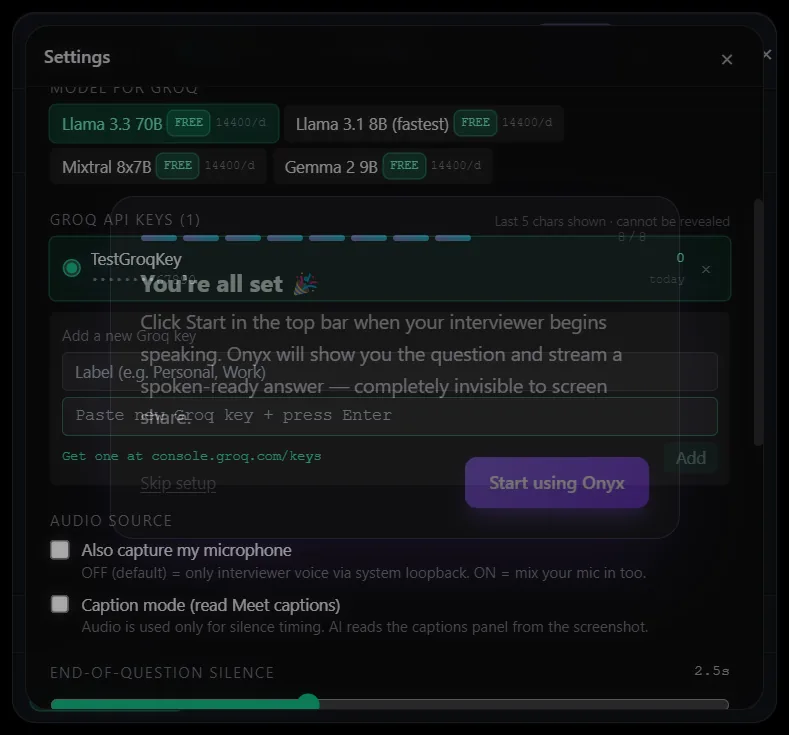
Live screen capture and system audio are fused into a single streaming Gemini request. The voice-activity pipeline runs entirely on-device in an audio worklet through ONNX Runtime, so the app is not shipping a continuous microphone feed to a server just to work out when a question has finished. A capture-invisible native overlay is built through FFI, and the unglamorous half, onboarding, provider keys, licensing, payments and auto-update, runs on Cloudflare Workers.
A closer look
Selected screens and moments from the build.
More work
Other projects you might want to see.